Most websites still ask a visitor to fill out a form, wait for a reply, and hope someone follows up quickly. That sounds simple, but it leaks leads every day. People get distracted, they leave with an unanswered question, or they submit a form and go cold before your team gets back to them.
An AI chatbot for lead generation fixes the biggest part of that problem: speed and continuity. Instead of making a potential customer wait, the bot answers questions right away, qualifies whether the lead is a fit, and keeps moving the conversation toward a booked meeting.
In this guide, you’ll see why forms underperform, what a converting chatbot actually needs to do, where the limits should be, and how to measure whether your setup is working. You’ll also see the difference between a simple widget and a custom AI chatbot connected to your CRM and calendar.
Why forms lose leads
A standard contact form creates friction at the worst possible moment. Your visitor is interested now, but the form asks them to stop, think, type, and trust that someone will respond later. Many won’t.
Even when they do submit, time works against you. A practical rule many sales teams know is the 5-minute rule: if you do not respond fast, your odds of qualifying a lead drop sharply. By the time someone gets a reply 30 minutes later or the next morning, the urgency is gone.
Here’s what usually happens with forms:
| Problem with forms | What the visitor experiences | Business impact |
|---|---|---|
| Too much friction | They have to fill fields before getting answers | More drop-off before inquiry |
| Delayed response | They wait for a human reply | Lower qualification rate |
| No objection handling | Questions about pricing, fit, or process stay unanswered | More abandoned sessions |
| No guided next step | They submit and leave | Fewer booked calls |
| Limited hours | Nobody replies at night or on weekends | Missed high-intent leads |
Imagine a visitor lands on your site at 9:40 p.m. They want to know whether you work with companies of their size, how fast you can launch, and whether you integrate with their existing tools. A form collects their email, but it does not remove uncertainty. A chatbot can do that in real time.
This is one reason automation often pays back quickly. If you want a broader view of where these gains show up first, read 10 business processes you should automate first (ranked by ROI) and The real ROI of AI automation: what businesses actually save.
How an AI chatbot for lead generation works
A strong AI chatbot for lead generation does more than greet people with “How can I help?” It acts like a first-line sales assistant. It answers common questions, filters out poor-fit inquiries, captures useful information, and points qualified leads to the next step.
The key difference is that it is available 24/7. If someone visits your site before work, during lunch, or late at night, they still get a response immediately.
A typical flow looks like this:
- A visitor lands on your website.
- The chatbot starts a conversation or answers a question on demand.
- It asks a few qualification questions.
- It responds to objections using your actual service information.
- It offers a booking link when the lead is a fit.
- It passes the conversation to a human when needed.
That path is much closer to how real buyers behave. They do not just want to “submit interest.” They want clarity before they commit.
What a converting lead gen chatbot needs
Not every chatbot improves conversions. Some just add another layer of annoyance. If your bot interrupts, gives vague answers, or tries to bluff its way through questions, it will lose trust fast.
Here is the anatomy of a chatbot that actually helps generate booked calls.
1. It is trained on your real services
Your bot should know what you sell, who you help, what your process looks like, and what kinds of projects are and are not a fit. If you offer AI automation for lead generation, for example, the chatbot should be able to explain that this can include connecting CRMs, Airtable, Notion, Google Sheets, and email workflows using tools like n8n, Make, or Zapier.
If the bot is generic, the answers will sound generic too. That is when visitors start doubting whether they are talking to something useful.
2. It qualifies without feeling like a form
Qualification should feel conversational, not like a wall of fields. A good chatbot can ask questions such as:
- What are you trying to automate?
- What tool stack are you using today?
- Are you looking for a done-for-you setup or advice first?
- How soon do you want this live?
The point is not to interrogate people. It is to quickly learn whether they are a fit and route them accordingly.
3. It answers objections in the moment
Many leads leave because a small unanswered concern blocks them. They may wonder:
- Will this work with our current tools?
- Do we need to replace what we already use?
- Can you build something custom?
- Is this only for large companies?
If your chatbot can answer those questions clearly, more visitors stay in the conversation instead of bouncing.
4. It has hard limits
This part matters. Your bot should not invent pricing, timelines, features, or guarantees. If the answer is not explicitly defined, it should say so plainly and move the lead to the right next step.
For example, if your pricing depends on scope, the bot can explain that project cost varies by requirements and then offer a booking link or handoff. Trust goes up when the bot stays inside the lines.
5. It always offers the booking link
A lot of chatbots answer questions but never ask for the next step. That is wasted intent.
If a visitor is qualified and interested, the bot should consistently offer the calendar link. Not aggressively, but clearly. The goal is not just engagement. The goal is booked calls.
6. It hands off to a human when asked
Some prospects want to talk to a person right away. Others have edge-case questions a bot should not handle alone. A good setup recognizes both cases.
The chatbot should be able to say, in effect, “I can connect you with a human,” then route that request properly. In some businesses that means email. In others, it means Slack alerts, CRM task creation, or direct calendar booking.
A real pattern: from chat to calendar
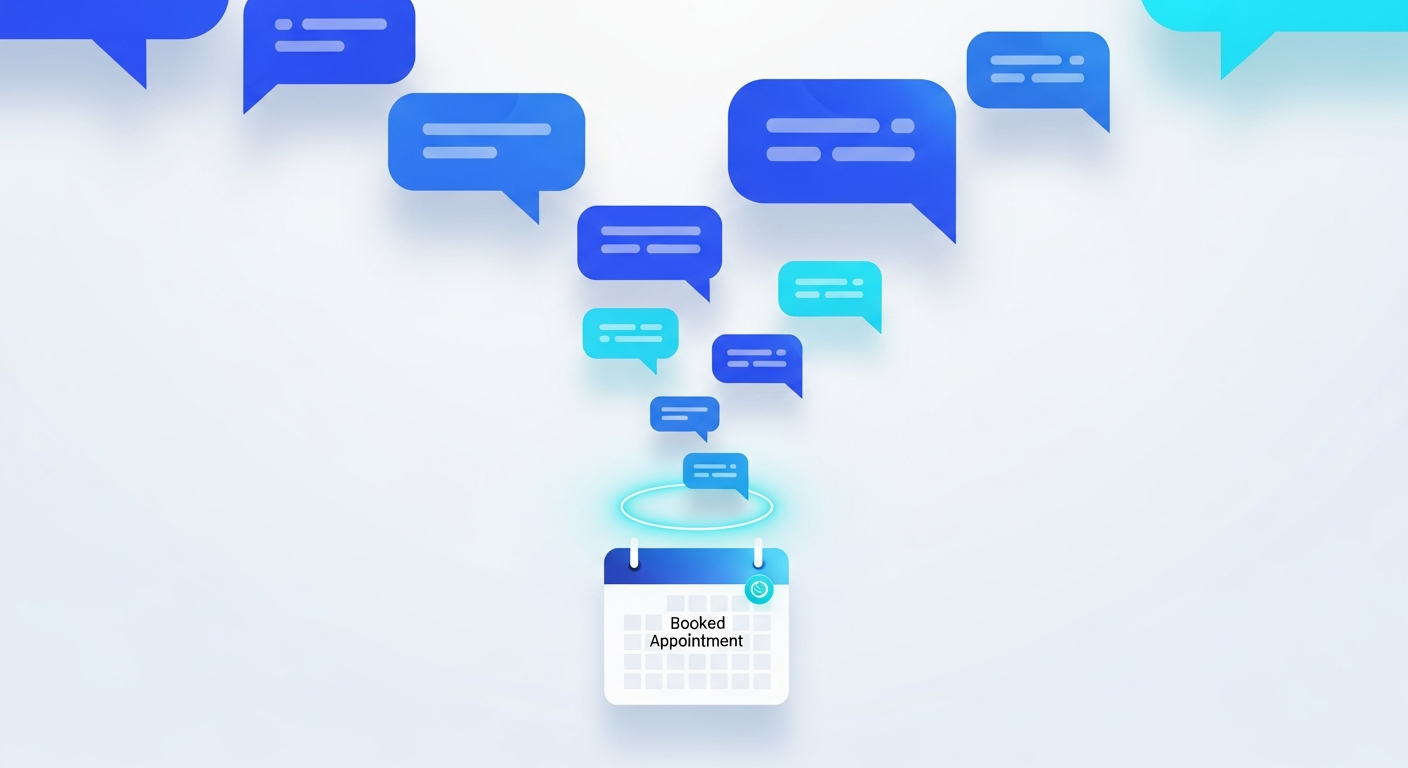
This lead flow works best when the bot is tied to a concrete conversion event. On Eloven’s own site, the chatbot pattern is built around moving interested visitors toward a strategy session booked directly into a calendar.
That matters because the conversation does not end with “Thanks, we’ll be in touch.” It ends with a measurable outcome. A visitor asks whether Eloven can help with AI automation or a custom AI app, the bot answers based on the company’s actual services, and qualified prospects are guided to book the next step.
This is the difference between a chatbot that entertains and one that sells.
If you are weighing whether to use a packaged tool or something more tailored to your workflow, Custom AI apps vs off-the-shelf SaaS: what should your business choose? is a useful next read.
Off-the-shelf widgets vs custom chatbot builds
There are two common ways to deploy an AI chatbot for lead generation.
Off-the-shelf chatbot widgets
These are the fastest to launch. You pick a provider, add a script to your site, upload a few documents or FAQs, and go live.
This can work well if your needs are simple. For example, if you just want a chatbot to answer common questions and pass people to a contact page, a widget may be enough.
The tradeoff is control. Many off-the-shelf tools are limited in how deeply they connect to your CRM, qualification logic, calendar, or internal processes.
Custom AI chatbots connected to your stack
A custom chatbot is better when lead handling needs to match your sales process. This setup can be wired into your CRM, calendar, internal knowledge base, and automation platform so the conversation does not stop at the website.
For example, a custom build can:
- check qualification rules before offering a meeting
- push lead data into your CRM automatically
- trigger follow-up tasks for your sales team
- route enterprise inquiries differently from small inbound leads
- create a full conversation record for later review
Eloven builds these kinds of AI systems for businesses that want the chatbot to fit their actual workflow, not the other way around. The company’s work spans AI automations and custom AI applications, using the best-fit model and tools for each use case rather than locking clients into one vendor.
If you are still getting familiar with the wider automation picture, AI automation for small business: the complete 2026 guide explains the building blocks in plain English.
What to connect behind the chatbot
The front-end conversation is only part of the system. The back-end connections determine whether leads turn into pipeline.
At minimum, consider these integrations:
| Connection | Why it matters |
|---|---|
| Calendar | Lets qualified leads book instantly |
| CRM | Stores lead details and conversation context |
| Sends confirmations and follow-up messages | |
| Internal alerts | Notifies your team when a strong lead appears |
| Knowledge base | Keeps answers consistent with your real services |
If your team uses workflow tools already, the chatbot can become one step in a larger automation chain. That might include enriching the lead record, tagging source pages, assigning ownership, or triggering reminders when someone starts but does not finish booking.
For the technical layer behind those automations, platforms like n8n, Make, and Zapier are common choices. We break down the differences in n8n vs Make vs Zapier in 2026: which automation platform should you choose?.
Three metrics that matter most
Many teams focus on total chats, but volume alone does not tell you much. A better way to evaluate an AI chatbot for lead generation is to track the full conversion path.
Conversations
How many visitors actually start meaningful chats?
This tells you whether the bot placement, prompt, and timing are working. If traffic is high but conversations are low, the issue may be visibility or a weak opening message.
Qualified leads
How many conversations turn into people who match your criteria?
This shows whether the bot is attracting the right prospects and asking the right questions. If conversations are high but qualification is low, your traffic may be mismatched or your chatbot may be too broad.
Booked calls
How many qualified leads actually schedule a meeting?
This is the number that matters most for service businesses. If qualification looks healthy but booked calls stay low, the problem is usually one of three things: the handoff is weak, the calendar step is clunky, or the chatbot is not asking clearly enough.
A simple reporting structure looks like this:
| Stage | Example question to ask |
|---|---|
| Conversations | Are visitors engaging with the bot? |
| Qualified | Are we identifying real-fit leads? |
| Booked | Are qualified leads reaching the calendar? |
From there, you can improve one stage at a time.
Common mistakes to avoid
A chatbot can lift conversions, but only if it is set up properly. These are the most common mistakes.
Giving the bot too much freedom
If the model can improvise on pricing, timelines, or features, it will eventually say something it should not. Keep the rules tight.
Asking too many questions too early
Do not turn the first message into a 10-step survey. Let the visitor get value first, then qualify naturally.
Hiding the booking option
If the next step is a call, make that easy. A qualified lead should never have to hunt for your contact page.
Treating every lead the same
A first-time visitor with one simple question should not get the same flow as an enterprise buyer with a complex request. Routing logic matters.
Measuring chat volume instead of outcomes
A chatbot with 500 chats and 3 booked calls is not necessarily better than one with 80 chats and 20 booked calls. Tie measurement to revenue steps.
When an AI chatbot makes the most sense
An AI chatbot for lead generation is especially useful if your business has any of these traits:
- you get steady website traffic but too few booked calls
- your team cannot respond to every inquiry within minutes
- prospects often ask the same pre-sales questions
- your sales process includes a discovery or strategy call
- you want qualification before a human spends time on outreach
This is why chatbots are such a natural fit for service businesses, agencies, consultancies, clinics, and other companies where the website needs to move someone from interest to conversation quickly.
Faq
Is an AI chatbot better than a contact form for lead generation?
In many cases, yes. A contact form collects details, but an AI chatbot can answer questions immediately, qualify the lead, and offer a booking link on the spot. That reduces friction and helps you capture intent while it is still fresh.
What should an AI chatbot for lead generation ask first?
Start with one simple question tied to the visitor’s goal, such as what they need help with. Once the conversation starts, the bot can ask a few qualification questions based on fit, urgency, and service need. The best flow feels like a helpful conversation, not an intake form.
Can an AI chatbot book meetings directly?
Yes, if it is connected to your calendar. A strong setup lets the chatbot guide qualified visitors to available time slots right away instead of sending them to a generic contact page.
Should i use an off-the-shelf chatbot or build a custom one?
Use an off-the-shelf chatbot if your needs are basic and you want speed. Choose a custom build if you need deeper CRM and calendar integration, stricter qualification logic, or a chatbot trained around your exact sales process.
How do i measure whether my lead generation chatbot is working?
Track three numbers: conversations started, qualified leads, and booked calls. That shows whether the bot is getting engagement, identifying good-fit prospects, and creating real sales opportunities rather than just generating chat activity.